How to Calculate PTO Accrual
Paid time off (PTO) accrual is the rate at which employees earn time off as they work. Getting the math right matters: employees notice when a balance looks wrong, and a clear policy avoids arguments. This guide covers the common methods with worked examples. It is general information, not legal advice. Several states and cities have their own paid sick leave and vacation payout rules, so check your state labor department's site before you set a policy.
Step 1: Decide the annual allowance
Start with how many hours (or days) of PTO a full-time employee gets per year. For example, 80 hours (two weeks at 40 hours per week). Some businesses keep vacation and sick time separate; others combine them into one PTO bank.
Method A: Front-loaded
The employee receives the full year's balance on the first day of the year (or their start date). It is the simplest method: no accrual math, just "allowance minus used." The trade-off is that someone can use all their time early in the year and then leave.
Method B: Per pay period
Hours per pay period = annual hours ÷ pay periods per year
| Pay frequency | Periods per year | Hours earned per period |
|---|---|---|
| Weekly | 52 | 1.54 |
| Biweekly | 26 | 3.08 |
| Semi-monthly | 24 | 3.33 |
| Monthly | 12 | 6.67 |
Balance to date = hours per period × periods completed so far this year. If someone is paid biweekly and 10 pay periods have passed, they have earned 30.8 hours.
Method C: Per hour worked
Common for part-time and hourly staff, and the structure many paid sick leave laws use.
Accrual rate = annual PTO hours ÷ expected hours worked per year
A full-time year is about 2,080 hours (40 × 52). For 80 hours of PTO: 80 ÷ 2,080 = 0.0385 hours of PTO per hour worked, or about 1 hour for every 26 hours worked. Someone who works 25 hours a week for 20 weeks (500 hours) has earned about 19.2 hours.
Mid-year hires: proration
If a new employee starts partway through the year, decide whether they get the full annual amount or a share. Two common approaches:
- Per pay period accrual handles it naturally: accrual starts with the first pay period after their start date.
- Front-loaded, prorated: annual hours × months remaining ÷ 12. Someone hired on July 1 with an 80-hour allowance gets 80 × 6 ÷ 12 = 40 hours for the rest of the year.
Carryover and caps
Decide what happens to unused hours at year-end:
- Carryover with a cap: employees bring forward up to a set number of hours (for example, 40). Carried hours = the smaller of the unused balance and the cap.
- Accrual cap: employees stop earning once their balance reaches a ceiling, and start again after they use some.
- Use-it-or-lose-it: unused time expires. Some states restrict or prohibit this for vacation pay, so check before you adopt it.
Available balance
Available now = carryover + accrued to date − used − approved but not yet taken
Subtracting approved future time off prevents someone from booking the same hours twice. Showing "pending" requests separately helps managers see what is coming.
Policy checklist
- Annual allowance and whether vacation and sick time are combined
- Accrual method and pay frequency
- When new hires start accruing, and any waiting period
- Carryover cap, accrual cap, or use-it-or-lose-it rule (checked against your state's law)
- Minimum increments (for example, requests in 1-hour or half-day blocks)
- How far ahead to request, and how requests are approved
- What happens to unused PTO when someone leaves (state rules vary)
Keep requests and balances in one place
Most PTO problems come from requests scattered across texts and emails. Keep one log of every request with its dates, the number of working days, the decision and who made it. Count only working days (skip weekends and company holidays), and check whether teammates are already off on the same dates before approving.
Want this as a ready-made template?
Everything above works with pen and paper. If you would rather have the math done for you, these are our related templates. They are paid digital downloads on Etsy; check each listing for current price, file format and details.
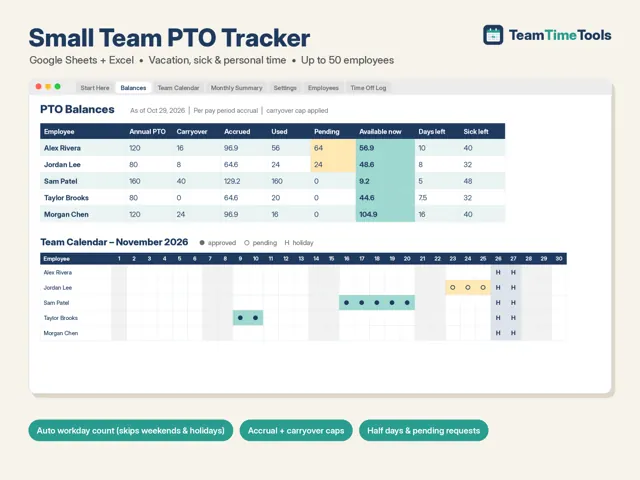
PTO Tracker
Vacation, sick and personal balances per employee, front-loaded or per-pay-period accrual, mid-year proration and carryover caps. Excel and Google Sheets.
View on Etsy : PTO Tracker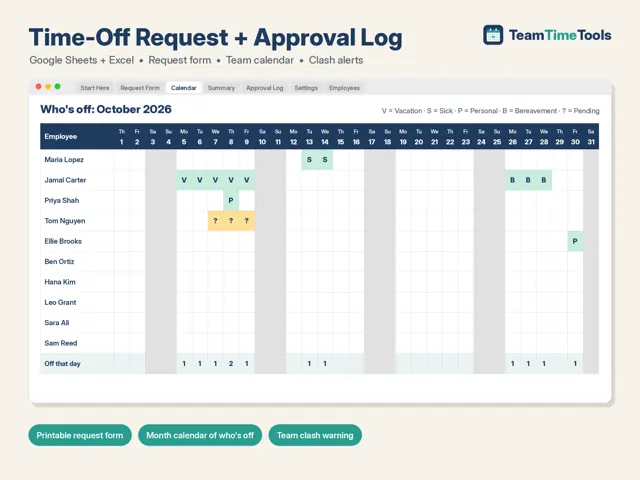
Time Off Request Form & Approval Log
A printable request form, an approval log that counts working days, a team leave calendar and a clash check. Excel and Google Sheets.
View on Etsy : Time Off Request Form & Approval Log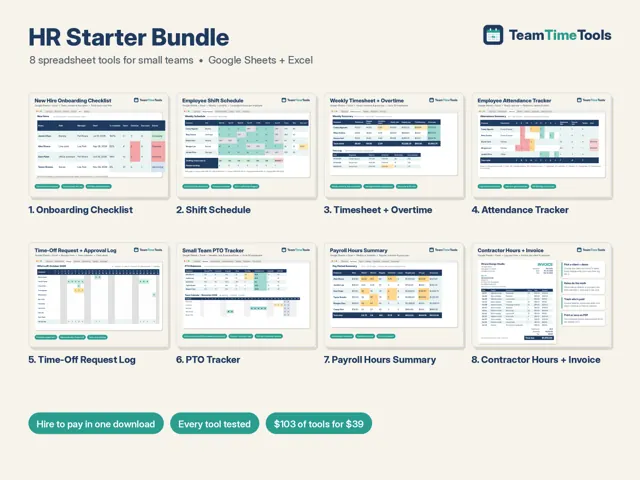
HR Starter Bundle (8 Tools)
PTO tracker, timesheet, shift schedule, payroll hours, attendance, onboarding, time-off requests and contractor invoice, plus a guide to which tool to use when. Excel and Google Sheets.
View on Etsy : HR Starter Bundle (8 Tools)Sources
This guide is general information, not professional advice. Rules and recommendations change; confirm with the official sources above.